How to Write a Software Project Brief (With Template)
A good brief is the shortest path to accurate quotes and a solid project kickoff. Here's what it should include, plus a template you can use right away.
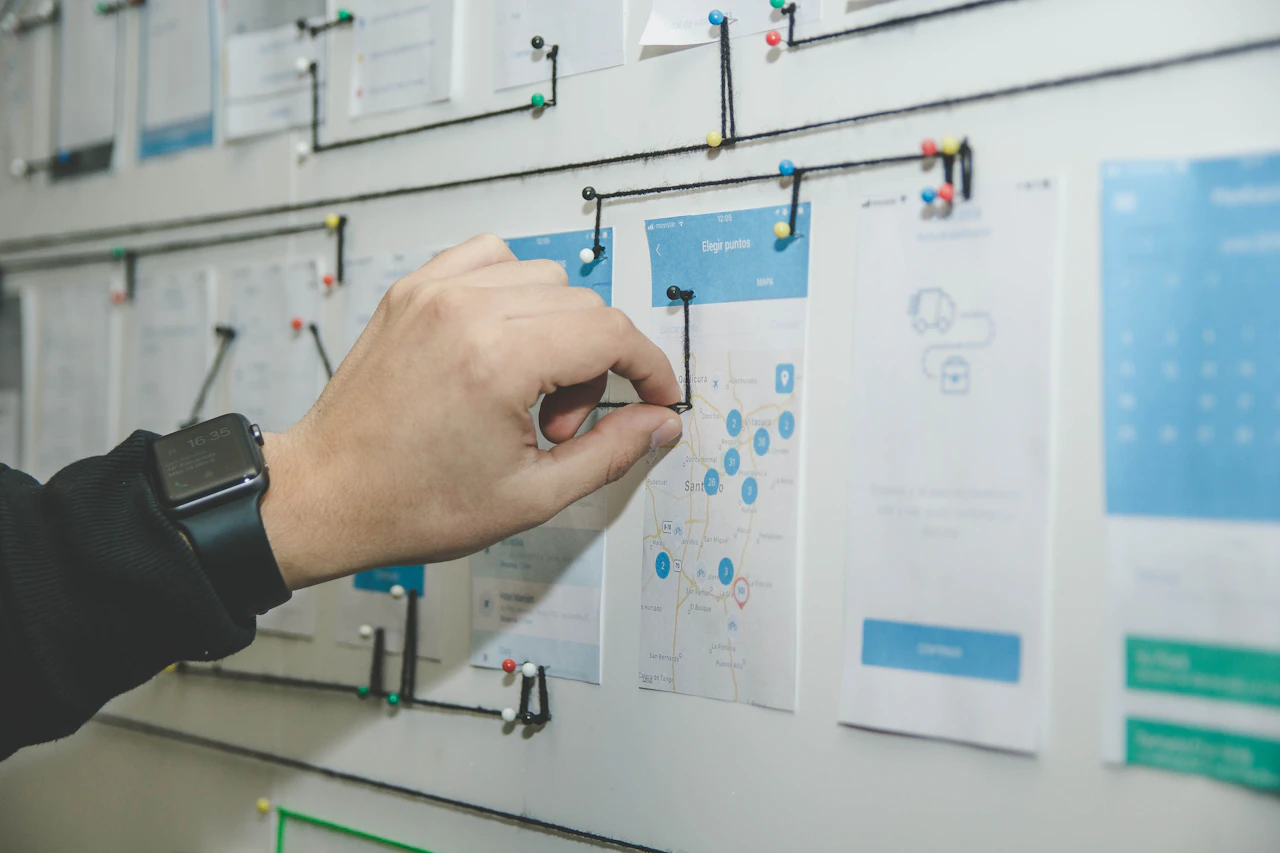
Photo: Alvaro Reyes / Unsplash
A software project brief is a short document that tells a development team what you want to build, for whom and why. A good brief usually runs one to three pages and clearly lays out the problem, the target users, the core features, the constraints and your timeline expectations. In this article you'll find the sections a brief should have, the most common mistakes, and a template you can fill in directly.
Why the brief matters so much
When a software team sends you a quote, they're estimating from whatever information they have. If that information is thin, one of two things happens: the team pads the estimate to cover the uncertainty, or they quote low based on incomplete information and scope arguments start as the project moves along. Either way, it costs you.
The real job of a brief is to convey not "what you want" but "which problem you want to solve." Once the team understands the problem, they can suggest simpler or cheaper solutions you hadn't thought of. Send only a feature list and you lose that opportunity.
A well-prepared brief also:
- Makes quotes from different teams comparable,
- Turns the first meeting from an introductory chat into a real working session,
- Gives your own team a shared language for what the project actually is.
Sections every software project brief should have
The sections below work for most projects regardless of industry. A few paragraphs, or sometimes just a few bullet points, per section is enough.
1. Background and problem
Introduce your company in a single paragraph, then describe the problem you want to solve. It's best to describe the problem through today's workflow. A sentence like "We currently take orders by email and enter them into Excel by hand, so weekend orders don't get processed until Monday" carries far more information than "We want an order management system."
2. Target users
Write down who will use the software: your customers, your field team, your accounting department? For each user group, note roughly how many people, their level of technical skill and which devices they'll use.
3. Goals and success criteria
What do you expect to have changed once the project is done? Try to write measurable goals: shorter processing times, a lower error rate, a new revenue channel. If you don't know exact numbers, stating the direction is enough.
4. Core features
Split features into "must-have" and "nice-to-have." That split lets the team propose a first version of the right size. Writing each feature as a user action makes this easier: "After a customer visit, a sales rep should be able to add a note from their phone."
5. Existing systems and integrations
List the accounting software, CRM, e-commerce platform, payment provider or internal databases you use. In most projects, integrations are among the items that move the estimate the most.
6. Constraints
Budget range, hard deadlines (a trade show, the start of a season, a legal requirement), data hosting requirements, personal data covered by privacy law (in Turkey, KVKK) and internal security policies all go here. You don't have to share a budget, but giving a rough range makes it much easier for the team to offer realistic options.
7. Examples and references
Add apps you like or dislike, competitor products, current screenshots or hand-drawn sketches. A note like "similar to this product's reporting screen, but simpler" lands faster than pages of explanation.
Common mistakes when writing a brief
- Dictating the solution: Technical choices like "build it in React, use this database" keep the team from proposing a better approach, unless you have a reason for them.
- Cramming everything into version one: Asking for every idea at once inflates the timeline and the cost. A brief without priorities usually leads to oversized quotes.
- Vague language: Words like "user-friendly," "fast" and "modern" mean different things to different people. Back them up with a concrete example whenever you can.
- Not naming the decision-maker: If it's unclear who signs off, feedback loops drag on.
- Skipping the users: Briefs written only from management's perspective can miss the needs of the people who will use the software every day.
A brief template you can copy
Copy the headings below into a document and fill in each one with a few short sentences:
- Project name and one-line summary: Whose problem does this software solve, and what is it?
- Company and context: What does your business do, and why is this project on the table now?
- Current process: How is the work done today, and where does it get stuck?
- Users: Groups, approximate numbers, devices used.
- Goals: What will change if the project succeeds?
- Must-have features: 5–8 items at most.
- Features that can wait for later phases: Free-form list.
- Integrations: Systems to connect and their access status.
- Constraints: Deadline, budget range, data and security requirements.
- References: Links, screenshots, sketches.
- Contacts: The project owner and the people involved in approvals.
Filling in this template usually takes an hour or two, but it saves far more time in the weeks that follow.
A short filled-in example
Here's an abbreviated example of what the template might look like:
- Summary: A web portal where our dealers can see their orders and stock levels on a single screen.
- Current process: Dealers send orders by phone and WhatsApp, the sales team enters them into Excel, and stock information is shared by email once a day.
- Users: About forty dealers (mostly accessing from their phones) and a four-person sales team.
- Must-have: Dealer login, product list with live stock, order creation, order status tracking, an approval screen for the sales team.
- Can wait: Campaign management, per-dealer reports, a mobile app.
- Integration: Reading stock and account data from the accounting software we use.
- Constraint: Needs to be live before the new season's catalog is released.
Even a text this short makes the team's questions and estimate much more concrete.
Final check before you send the brief
Before sharing it, ask yourself:
- Could someone who knows nothing about the project understand the problem from the first paragraph?
- Are the features written as user actions, or in technical terms?
- Is the order of priority clear?
- Are constraints like the deadline and budget truly fixed, or flexible? Did you say which?
- Is it clear who will answer the team's questions?
What happens after the brief?
After you send the brief, a serious team usually comes back with questions first. That's a good sign: a team that asks no questions may be working on assumptions. Then there's a short intro call where the open points get resolved.
That's how it works at Weras Labs too: after a short intro call, we prepare a written proposal covering the scope, the timeline and a fixed estimate. Development runs in short iterations you can follow through preview links, and support continues after launch. You'll find the details of the process on our services page.
Conclusion
A good software project brief doesn't have to be long; it just has to be clear. When you spell out the problem, the users, the priorities and the constraints, you get more accurate quotes and start the project with fewer surprises. Even if all you have is half a brief, get in touch and we can finish it together.
Frequently asked questions
How long should a software project brief be?
One to three pages is enough for most projects. What matters isn't length but clearly stating the problem, the users, the priorities and the constraints.
Do I have to include a budget in the brief?
It isn't required, but sharing a rough range makes it easier for the team to propose a realistic scope. Without a budget, quotes can rest on wildly different assumptions.
Can I write a brief without technical knowledge?
Yes. A brief isn't a technical document; it describes the business problem, the users and the goals. It's healthier to let the development team propose the technical decisions.
Is a brief the same as a requirements document?
No. A brief is a short kickoff document that explains the project's purpose and boundaries. A requirements document defines features, rules and acceptance criteria in much more detail and is usually written after the brief.
About the author

Habip Dayan
Founder of Weras Labs
Habip Dayan is the founder of Weras Labs, a company that builds software products for professionals and teams. He has been building software since 2018 and writes about AI, cloud architecture and product design.
The Weras Labs newsletter
New articles, product updates and notes on building software. A few emails a month; unsubscribe any time.


